
Resume tailoring
Tailor your resume to the role.
Scan the listing, pick which suggestions to keep, add a note if you want, then generate.
Rewriting bullets for every application takes time. Easy-AIpply starts from your resume and the job on the tab, then suggests what to emphasize for that company.
Uncheck anything that does not belong, add extra context if you have it, pick a professional template, and generate. Download the file or copy highlights yourself.
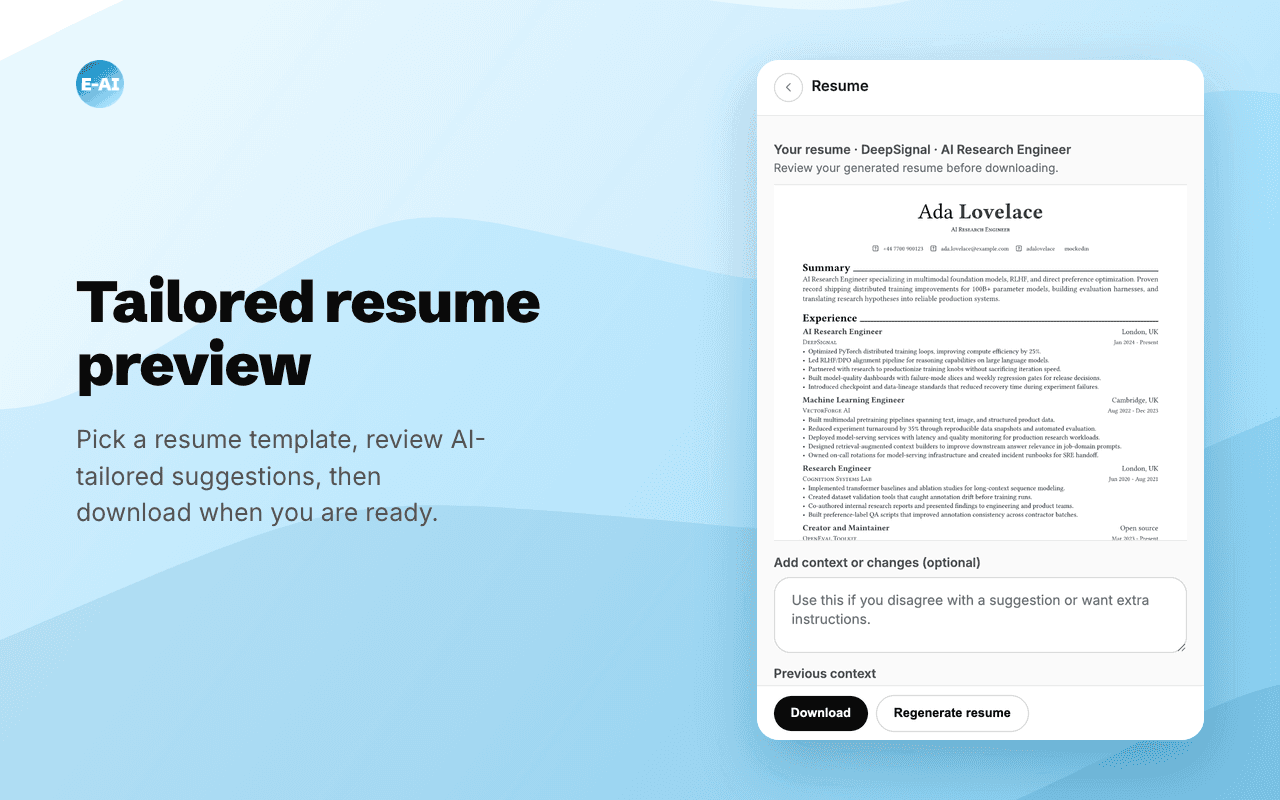
How resume tailoring works
Scan, choose, generate.
- 01
Scan the listing
The job description drives which skills and projects get suggested.
- 02
Pick what to include
Suggestions show up as checkboxes. Uncheck anything you do not want emphasized, and add a note if you have extra context.
- 03
Generate and download
Preview the tailored resume, pick a template, then download the file or copy highlights yourself.
Resumes that fit the company
A tailored CV in half the time.
Generate a resume from your profile and the listing in front of you. Choose from multiple professional templates, then download the file or copy highlights into the form.
Start free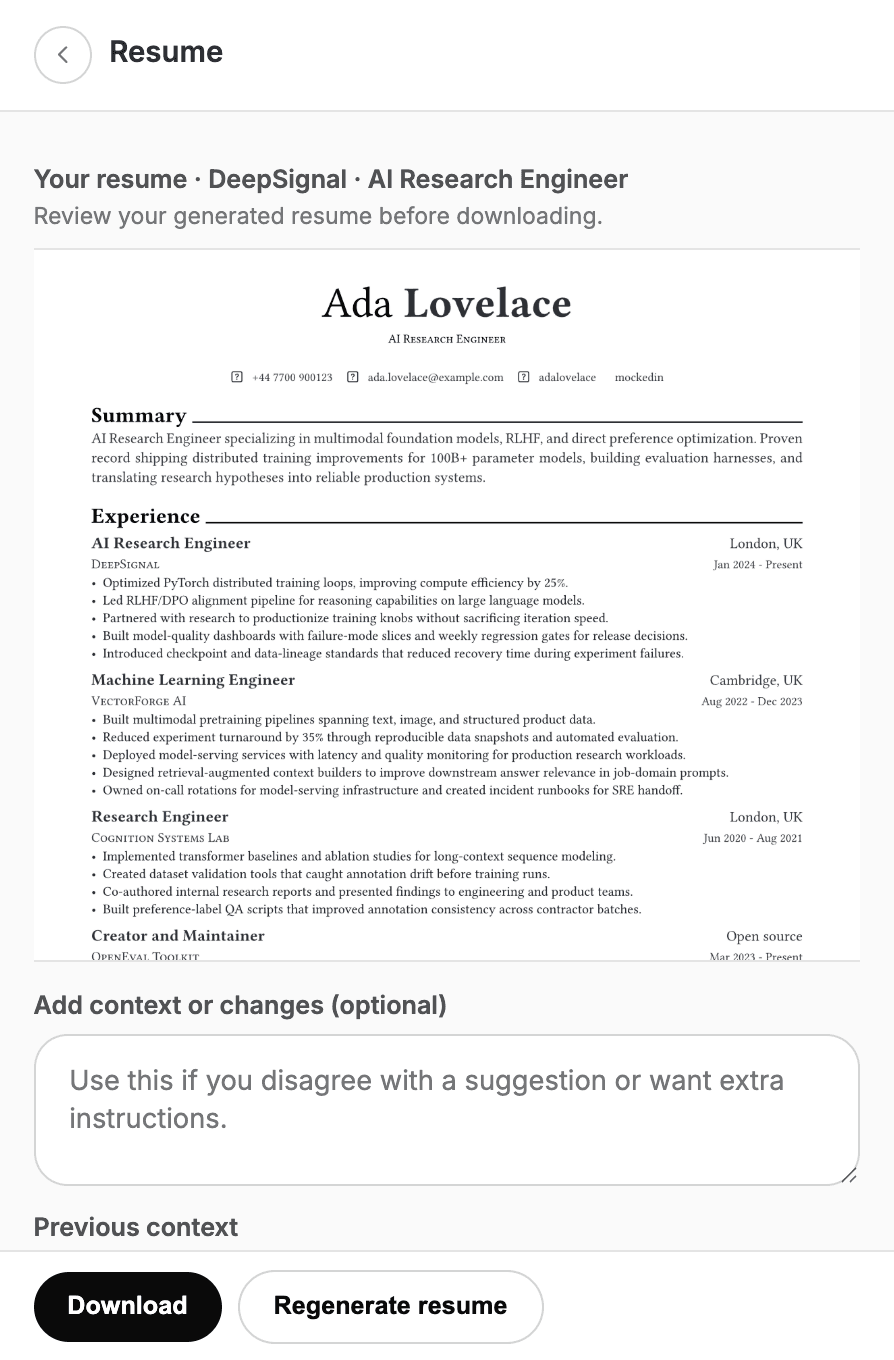
Keep going
More of what Easy-AIpply does.
- AI job application assistantScan a listing, draft answers in the side panel, and paste them yourself.
- Chrome extensionA side panel on the job sites you already use. Install once, scan on demand.
- Job match and filtersScore each listing against salary, location, and deal-breakers before you write.
- AI cover lettersPick suggested talking points, add a note if you want, then generate the letter.
- PricingFree trial credits, Basic, and Pro plans for matching, answers, and documents.
- FAQCredits, plans, permissions, and why this is not an autofill bot.
Have another question?
If something here is unclear, write us. We use Easy-AIpply on our own applications, so we can usually answer from the product.
Other ways to connect
You can also reach us through the following channels. We aim to respond within 24 hours.
- United States
75 E 3rd St, Ste 7,
Sheridan, Wyoming 82801
contact@threetech.consulting